Inference Service Overview
We host a large language model (LLM) inference service for the Jetstream2 and IU Research Cloud communities.
Under Construction
This service is evolving. It may occasionally go offline for a few minutes at a time, as we make updates and improvements. See live service status and usage, and get announcements in the inference-service channel of our community chat.
Feedback Welcome
We welcome suggestions for future refinement, either as a support ticket to help@jetstream-cloud.org or in the inference-service channel of our community chat.
We provide the latest, most-capable open-weights LLMs via two interfaces:
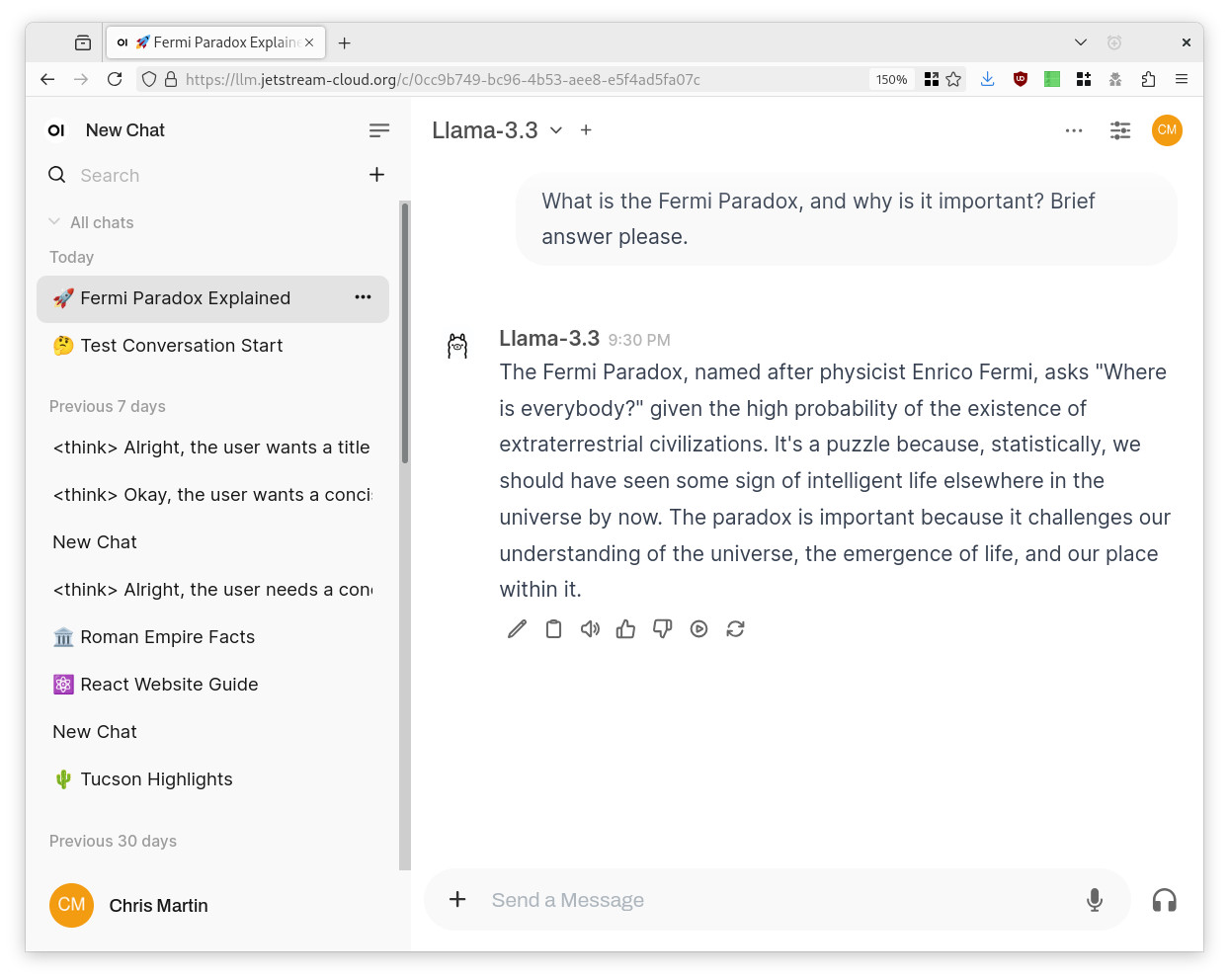
- A browser-based chat interface via Open WebUI, similar to ChatGPT.
- OpenAI-compatible inference APIs to integrate with your projects and applications.
Which models do you offer?
As of 2026 October 06, we offer four models:
- gpt-oss-120b, a chain-of-thought reasoning model from OpenAI, at native (MXFP4) quantization.
- gpt-oss-120b has configurable thinking effort (low, medium, or high) that you can specify for each prompt.
- We serve it with its native 128K token context window.
- muse-glimmer, a multimodal (text and image input) reasoning and tool-calling model from Meta, at full (FP16) quantization.
- We serve the 30-billion-parameter dense variant, with a 512K token context window extended from its native window using YaRN scaling.
- Qwen3.8-27B, a 27-billion-parameter dense reasoning and tool-calling model from Alibaba’s Qwen team.
- We serve it with its native 256K token context window.
- Gemma 4 31B-it, an instruct-tuned reasoning and tool-calling model from Google, at 8-bit (FP8) quantization.
- We serve it with a 256K token context window.
Context windows
A model’s context window is shared between your input and the model’s response. In the chat UI, your input includes the whole conversation so far, so a long chat uses up the window. For long documents, start a fresh chat rather than continuing a long one.
| Model | Context window (tokens) |
|---|---|
| gpt-oss-120b | 131,072 (128K) |
| muse-glimmer | 524,288 (512K) |
| Qwen3.8-27B | 262,144 (256K) |
| Gemma 4 31B-it | 262,144 (256K) |
muse-glimmer reaches 512K using YaRN scaling, which extends the model beyond the context length it was trained on. For best accuracy, keep prompts well under the maximum when you can.
Model history
The models that we offer are subject to change as the state of the art improves rapidly.
- On 2026 October 06, we added Gemma 4 31B-it and removed Llama 4 Scout.
- On 2026 August 28, we added Qwen3.8-27B.
- On 2026 August 27, we added muse-glimmer.
- On 2026 May 04, we removed DeepSeek R1.
- On 2025 August 27, we added gpt-oss-120b.
- On 2025 May 30, we removed Llama-3.3-70B-Instruct.
- On 2025 April 10, we added Llama 4 Scout, replacing Qwen2.5-VL-72B-Instruct.
- On 2025 February 15, we added Qwen2.5-VL-72B-Instruct.
- On 2025 January 29, we added DeepSeek R1.
- On 2024 December 9, we added Llama-3.3-70B-Instruct and discontinued Llama-3.1-Nemotron-70B-Instruct.
- Prior to 2024 December 9, we offered Llama-3.1-Nemotron-70B-Instruct.
Which model should I use?
Evaluating New Models
We are currently evaluating Qwen3.8-Flash-Next and GLM-5.3. Watch the inference-service channel for announcements when new models become available.
Use gpt-oss-120b for your most complex, nuanced questions and tasks when you need a reasoning model with configurable thinking effort. It can provide detailed reasoning similar to OpenAI o1 or o3, with the additional benefit of exposing the “thinking” behind its final answers when configured to do so.
Use muse-glimmer for local agentic workflows that combine text, images, and tool calls. It supports over 100 languages and a very large (512K token) context window, making it a good fit for multi-step tasks that need to reason step by step and call external tools.
Use Qwen3.8-27B for long-context reasoning, coding, and tool-calling workflows. It offers a native 256K token context window, so it can handle very large documents or codebases in a single prompt, and it exposes its reasoning separately from its final answer.
Use Gemma 4 31B-it for general-purpose instruction following, reasoning, and tool calling. It is the default model in the chat UI, and it has a 256K token context window.
Why is this valuable / worth using?
It’s an unlimited-use API that we provide at no cost to our communities. (APIs from OpenAI, Anthropic, DeepSeek, and similar providers all cost money to use.) The inference service provides larger, more capable LLMs than would fit on a g3.xl-size Jetstream2 instance (and much larger than will run on most personal computers).
It is private and sovereign compared to services operated by OpenAI and similar providers.
This service does not cost any Jetstream2 SUs to use. It is available as long as you have an ACCESS account (sign up here if needed).
What can I do with it?
Sky’s the limit!
- Programming and debugging assistant.
- Access it from your preferred code editor using Continue.
- Use it with LangChain to develop LLM-powered applications.
- Literature review assistant; give it a scientific paper and ask for a summary.
- Brainstorming assistant to help develop hypotheses, experimental protocols, and approaches to data analysis.
- Writing and proofreading assistant.
- Tutor, surrogate thesis advisor.
Hallucinations
An LLM will readily hallucinate (“make things up”) while performing all of these tasks. Think of it as a confident, well-read intern with a complete lack of epistemic awareness. If you open a support ticket saying that it told you the ball is still in the cup, or that there are only two Rs in the word strawberry, we won’t be able to help.
Join the Community
Join the inference-service channel in our community chat to connect with the Jetstream2 team and others using the inference service. This is a good place to ask for help and share feedback, and discussion also extends to the world of LLMs in general.
This channel also provides the most up-to-date information on the status of the inference service, including automated alerts when something goes offline. For live metrics, such as how busy each model is, see Service Status and Usage.
(More about Jetstream2 community chat)
What hardware is behind this service?
The service now runs across four servers:
- vLLM serves gpt-oss-120b from a 2 x NVIDIA H100 cloud instance running on Jetstream2.
- Users can expect inference at up to 180 tokens per second.
- vLLM serves muse-glimmer from a single NVIDIA H100 cloud instance running on Jetstream2.
- vLLM serves Qwen3.8-27B from a single NVIDIA H100 cloud instance running on Jetstream2, using speculative decoding to speed up generation.
- vLLM serves Gemma 4 31B-it from a 2 x NVIDIA H100 cloud instance running on Jetstream2.
Each back-end supports hundreds of simultaneous requests, though per-request inference speed will decrease under heavy load.
Data Handling and Sovereignty
When using our inference service, data processing occurs exclusively on systems located within the IU Bloomington Data Center. All models are run locally—we do not send your prompt or response data to any service or party other than IU. All prompt and response data are encrypted in transit. We do not use your prompt or response data for any AI training or data mining. (We may collect metadata about your usage for service improvement purposes, reporting it only in aggregate.)
The only exception to local processing occurs if you enable the web search feature in the chat UI, which will use DuckDuckGo to perform web searches on your behalf, using the information you provide in the prompt.
Terms of use
This service is governed by Jetstream2 and IU’s acceptable use policies. We do encourage playful exploration for learning purposes, but if your use of the service is not in service of research or education, please take it elsewhere. Systems administrators are able to view user interactions to ensure compliance with these policies.
Warning
The chat history in Open WebUI is not backed up and could be lost at any time. So, if you want to keep anything important from your chat sessions, you should copy it somewhere else.